Keep the timer. Add your modules.
Flora is free and well loved, and it does one job well: it keeps you off your phone. UniGrade’s timer is free too, and it knows what you are studying for: your modules, their credits, your deadlines and the marks you need.
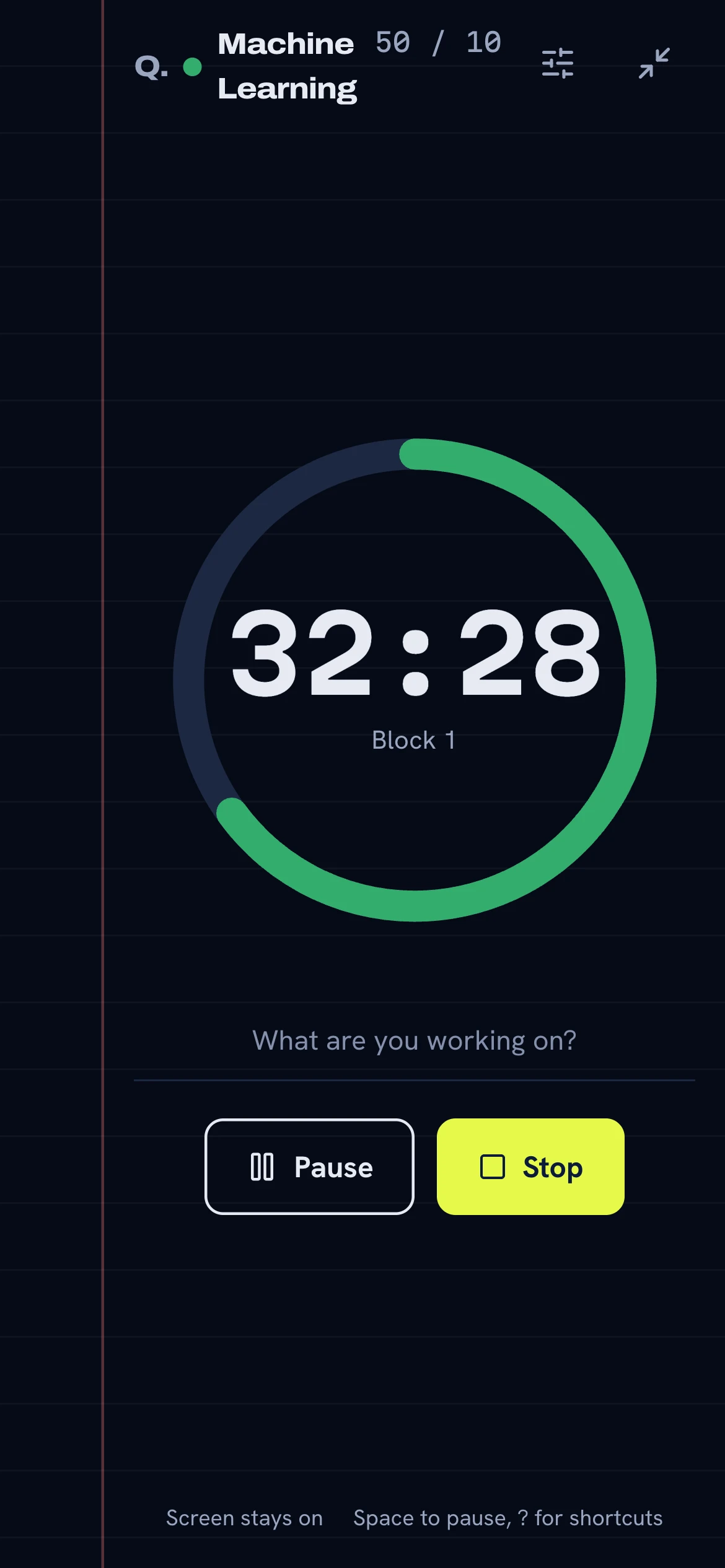
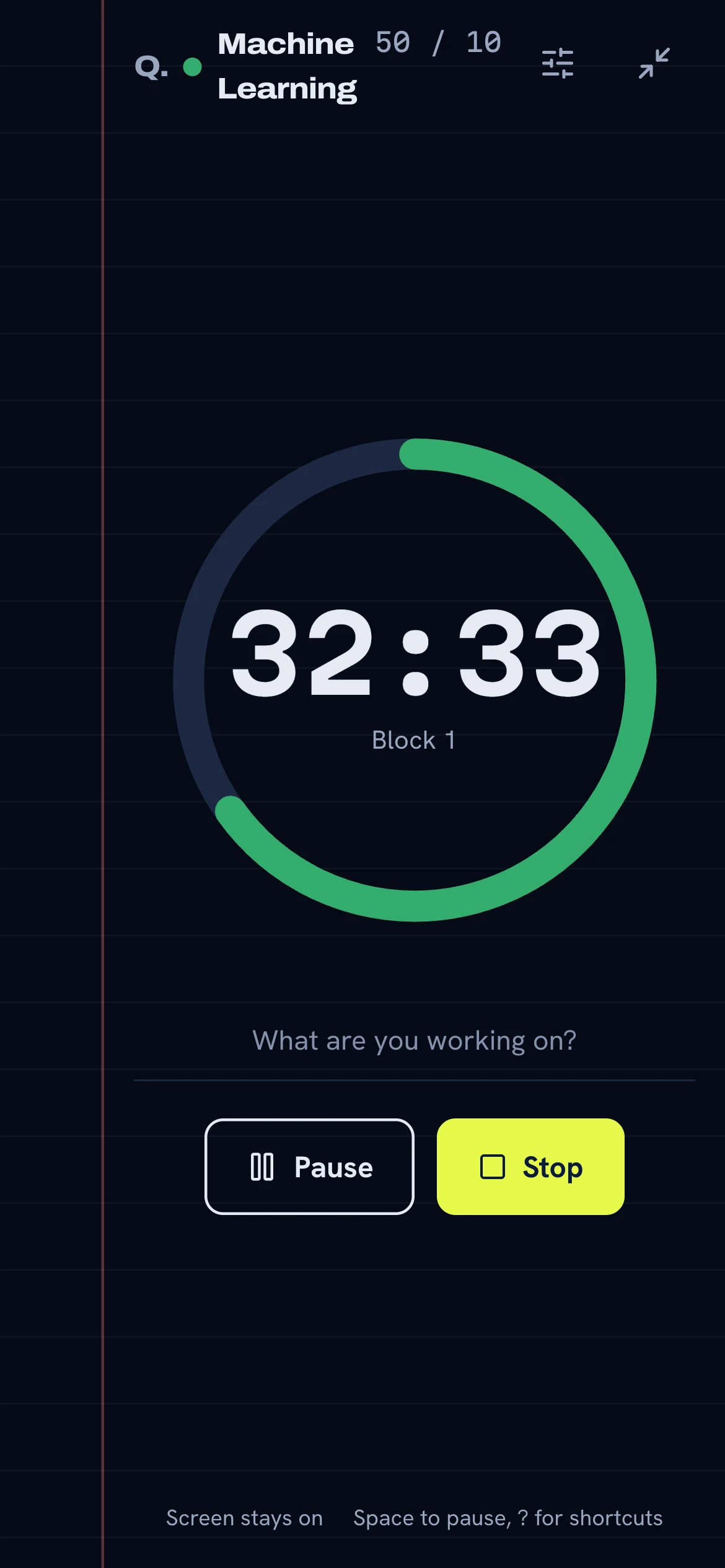
Flora and UniGrade, side by side.
Where Flora is ahead, the table says so. The difference is what a session is for: Flora grows a tree, UniGrade counts the time towards a module and the marks it leads to.
| Feature | Flora | UniGrade |
|---|---|---|
| The focus timer | Free | Free: 25/5, 50/10, 90/15 or a stopwatch |
| What a session belongs to | A tag you type in | A module, with its credits and deadlines |
| Modules, marks and deadlines | Not part of the app | The free grade tracker, in the same app |
| Where your history lives | On your phone | Your account, synced on every device |
| Exporting your history | No export | CSV, free, any time |
| Leaving the app mid-session | The tree dies | Noted as time away; the session still counts |
| Real trees planted | Yes | No |
| Lock screen timer on iPhone | Yes, with Live Activities | Not yet |
| Studying together with friends | Plant together | Not yet |
| Built-in focus sounds | None | Rain, library, café and brown noise, free |
Coming from Forest? Much of the same holds, with two differences: Forest charges for its soundscapes and sells Forest Plus by subscription, while UniGrade’s timer, sounds and export are free and Pro is a one-off pass. And Forest exports a CSV, so your history can come with you.
What you keep
- A free focus timer, with the block lengths you already use
- A streak, now counted in weeks so a rest day never breaks it
- Leaving the app is not a failure: time away is noted, and the session still counts
What you gain
- Every session counted against a module’s hours budget: credits x 10, minus your timetable
- Your marks, deadlines and the grade you need on what is left, free
- History that syncs between phone and laptop and exports as a CSV
- With Pro, what to study next, ranked from your deadlines and marks
Start in a minute.
- 1
Try the timer now
No account, nothing to install. Pick a block length and press Start.
Open the study timer - 2
Add one module
Create a free account and add the module you are revising. From then on, every session counts against its hours.
Create a free account - 3
Bring your Forest history
Forest can export your sessions as a CSV, and UniGrade can import it so your past time is not lost. Flora has no export, so Flora users start fresh, and the first week counts from today.
Import from Forest